


Skyline Rotorua PhotoPass
Take your memories home
Capture, Download & Share Your Skyline Memories
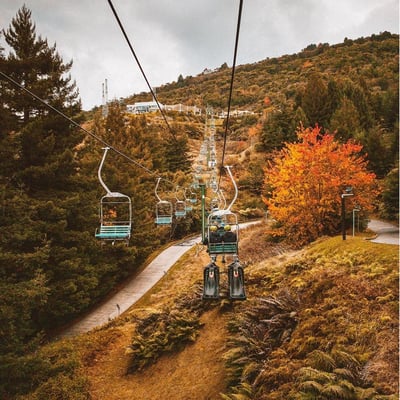
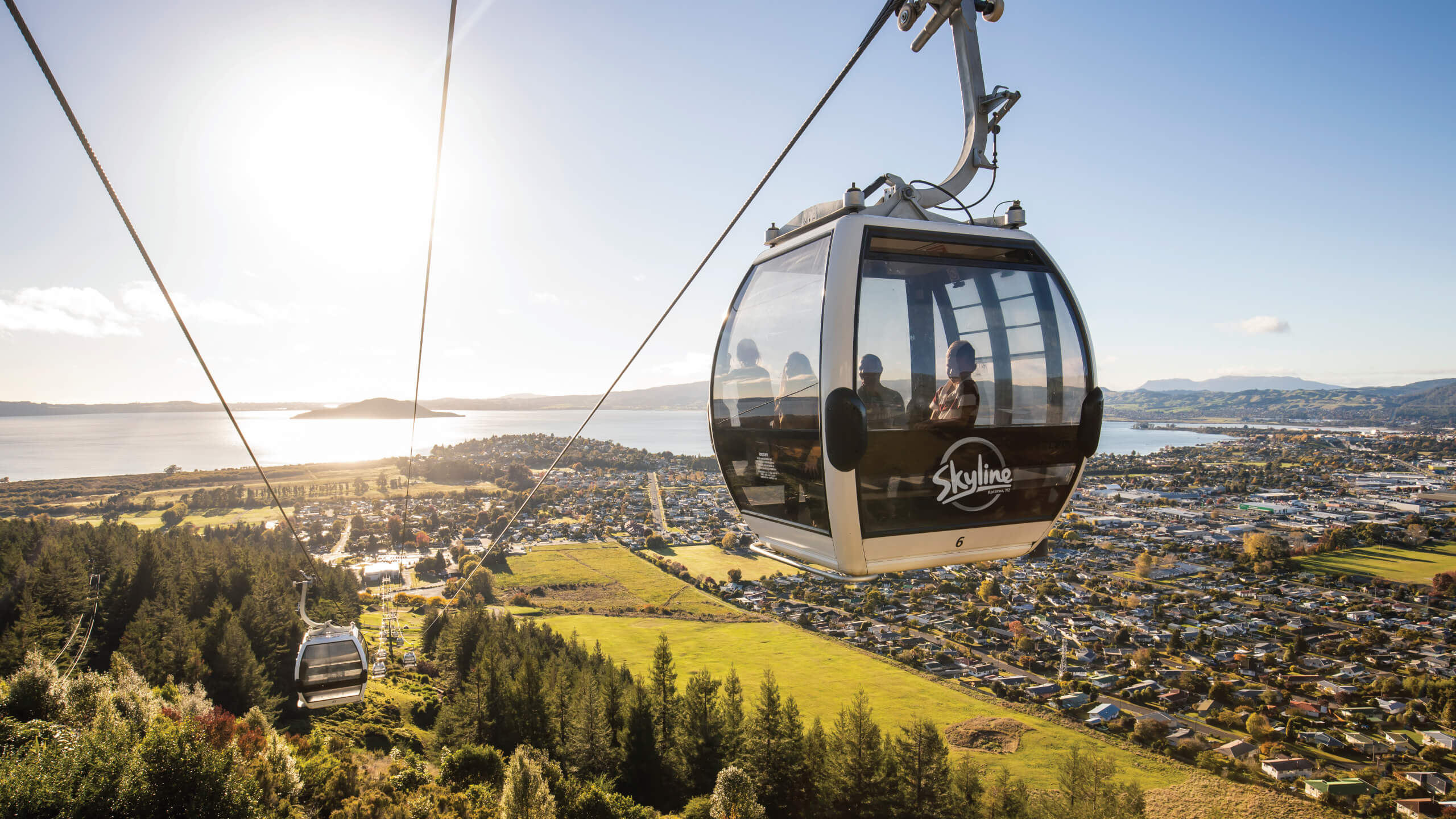
PhotoPass is included with every Gondola ticket and gives you access to professional photos taken throughout your visit to Skyline Rotorua.
Using photo-matching technology, PhotoPass helps automatically identify and collect photos of you during your experience, making it easy to find and download your favourite moments.
Your digital Gondola and Zipline photos are included in your ticket price. So all you need to do is download your photos and share your Skyline memories with family and friends. Printed photos and videos are also available to purchase on site.
View our privacy statement.
How Skyline PhotoPass Works
1. Get Your PhotoPass
Receive your Skyline PhotoPass with your Gondola ticket.
2. Capture The Moment
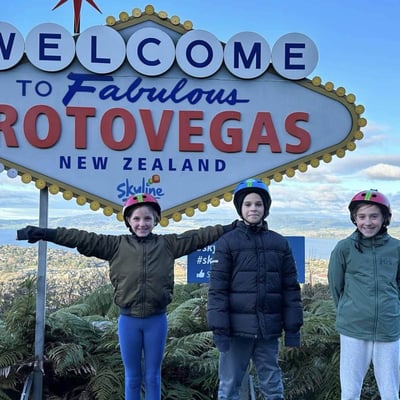
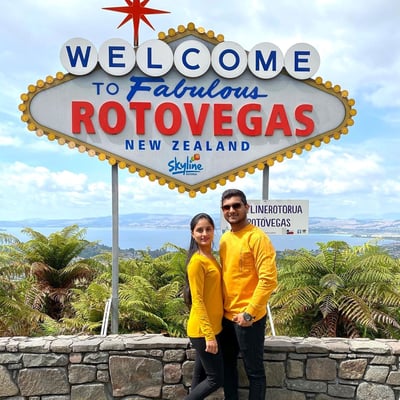
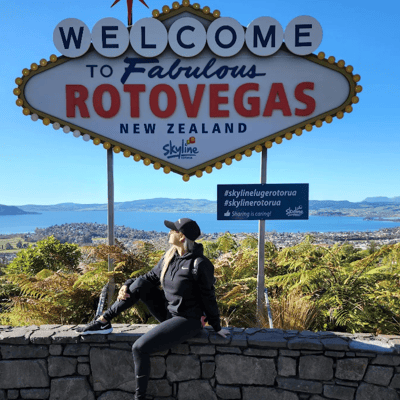
Using Photo-Matching technology, we’ll automatically collect photos taken of you throughout your visit. Smile for the camera at our four photo locations:
- Gondola terminal
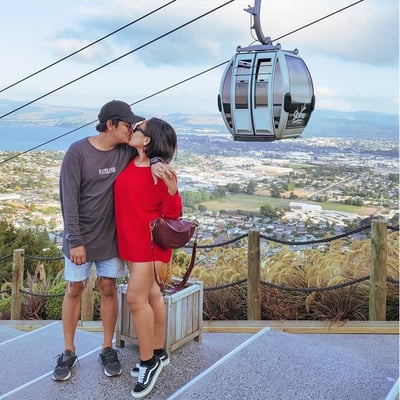
- Viewing deck
- Zipline
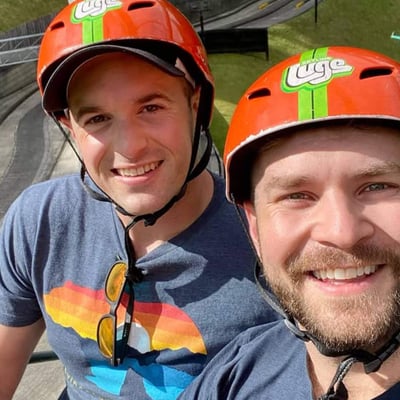
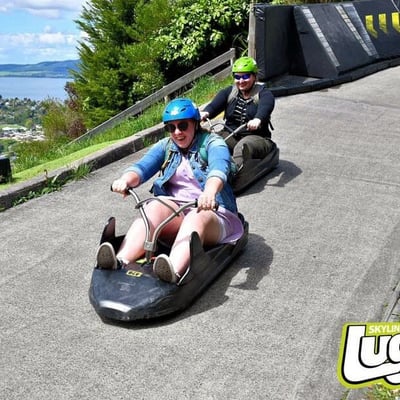
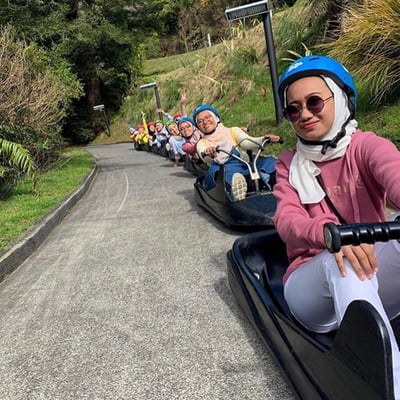
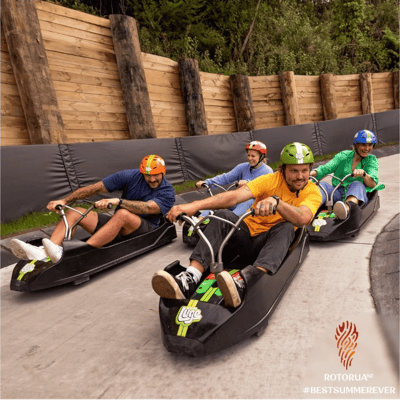
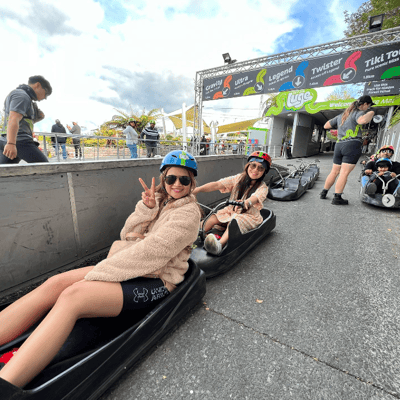
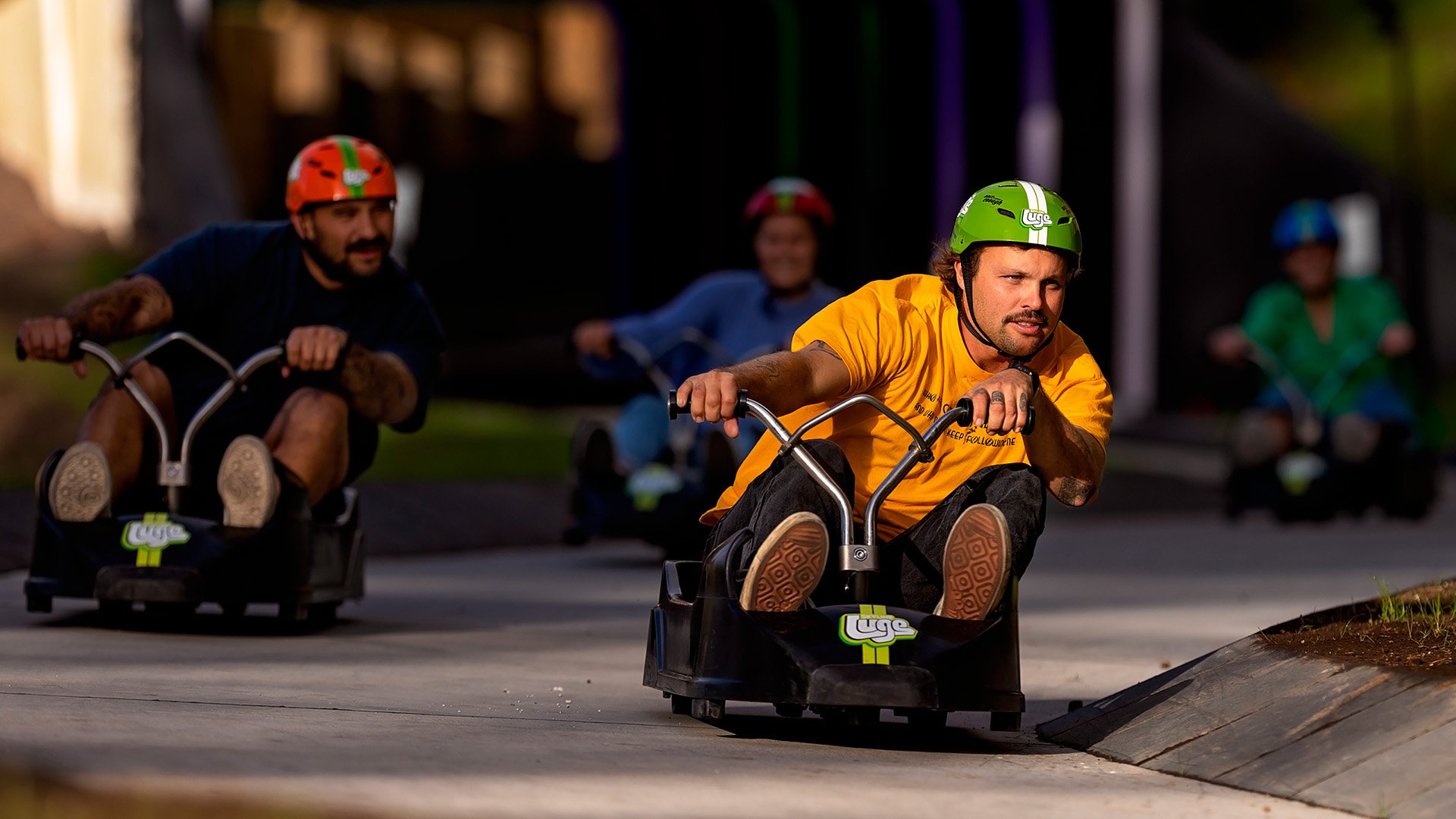
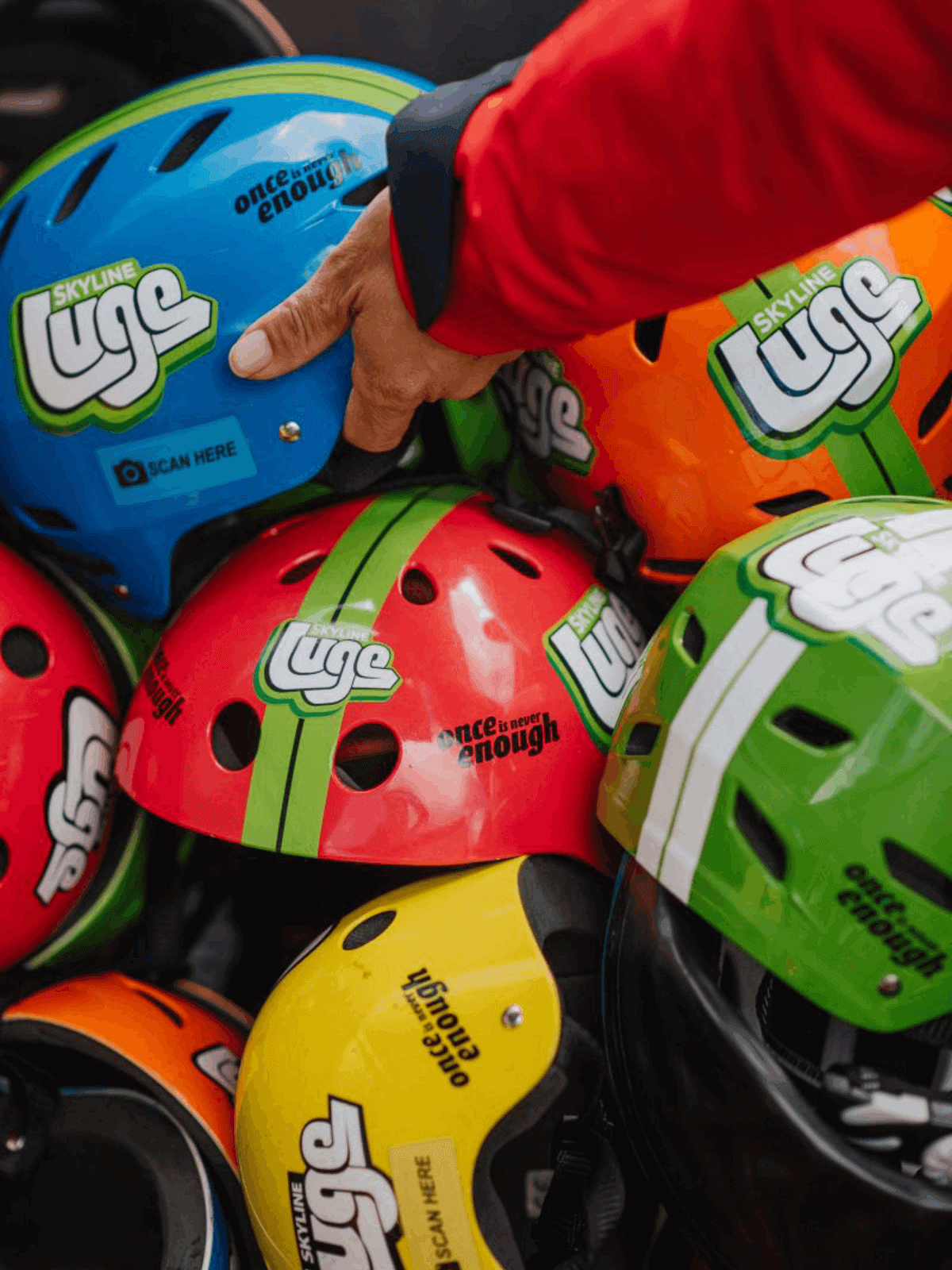
- Luge (Capture the Thrills with the Luge Helmets)
3. View & Download
Scan your PhotoPass QR code on your own device to view and download your photos.
OR visit a Photo Kiosk on-site and use Photo-Matching technology to instantly view and download your digital photos.
4. Print Your Favourites
Love a photo? Print your favourites at the PhotoPass Retail Zone in the Bottom Terminal or at the Luge Shelter by the chairlift.
5. Share The Experience
Share your Skyline memories with friends and family, and don’t forget to tag @skylinerotorua
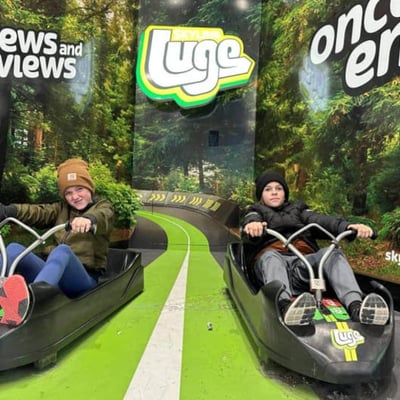
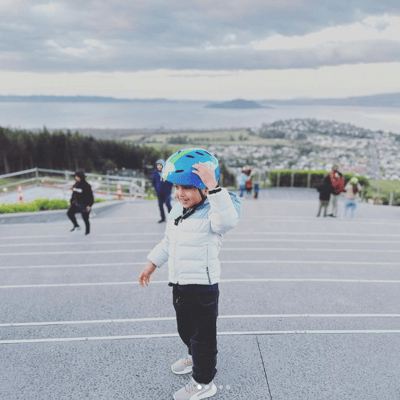
Capture the Thrill with Luge Helmets
Scan your helmet at the photo kiosks after your Luge ride at Skyline Rotorua to check out your ride photos and videos. Our cameras capture moments of you in action on the track. You can purchase your favourites on-site, print them, or have them emailed to you.
-
Your photos are linked to your helmet, so keep it on for your full Luge experience.
-
After your experience, scan your helmet at any photo kiosk to view your photos and videos.
-
Follow the on-screen prompts to pick your favourite moments.
-
You’ll get an order number once you’ve made your selections.
-
Share it with the team at the photo booth to complete your purchase. You can choose printed copies or have digital files emailed to you.
Gondola Boarding Photos
Looking for your PhotoPass boarding photos? Access and purchase your images using the code from your card below.
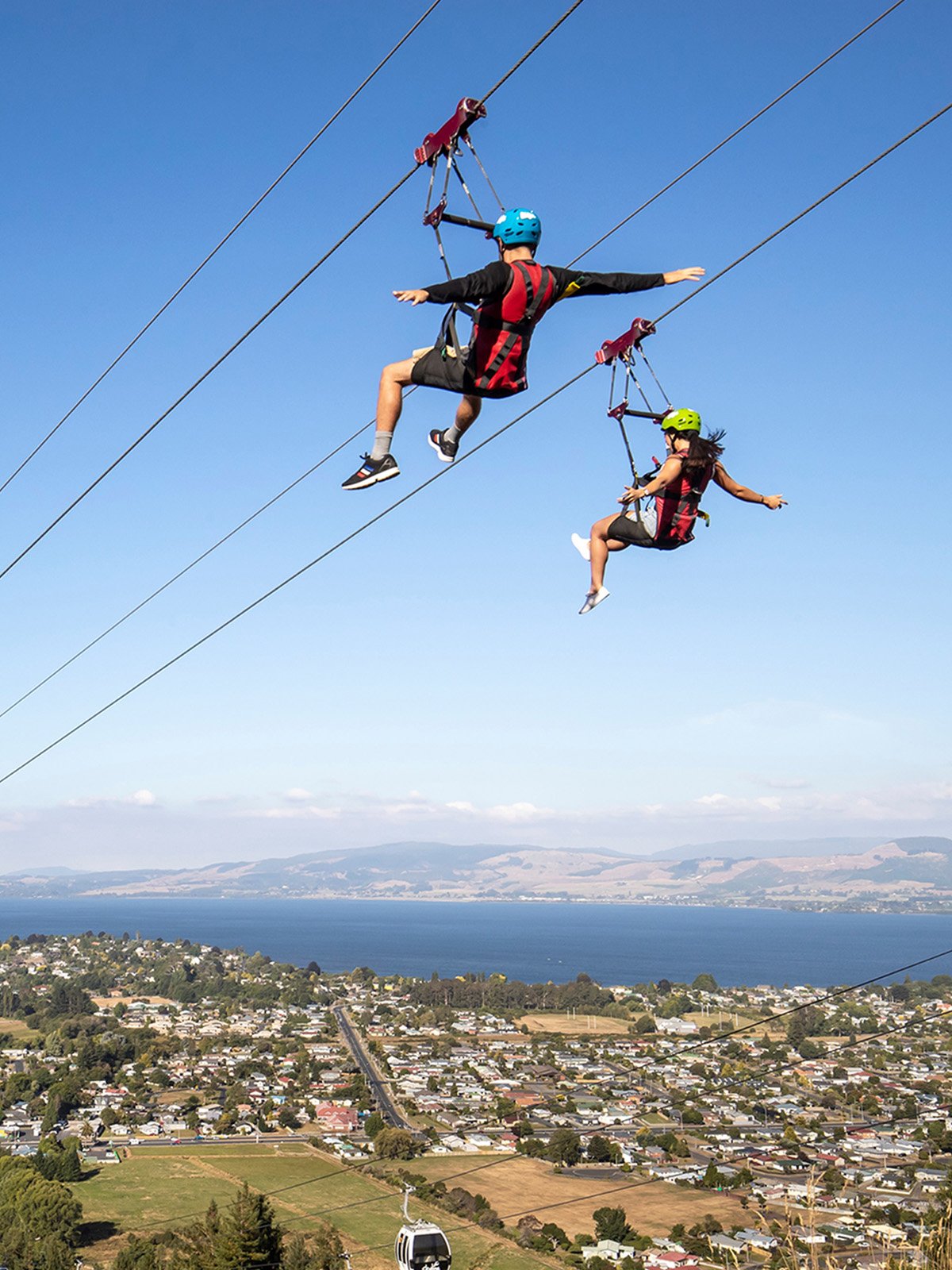
Hyfly Zipline
Flying through the sky at speeds of up to 60km/h is something you’ll want to remember. Skyline PhotoPass captures your Hyfly Zipline experience, so you can relive the excitement and share the adventure with family and friends long after your visit. The Hyfly Ziplines feature dual lines that let you race alongside your friends and family while taking in panoramic views of Rotorua, Lake Rotorua, and Mount Ngongotahā.
Use your Skyline PhotoPass card to access your photos and videos at one of our PhotoPass kiosks or on your mobile device. Browse your captured moments, download your favourites, and take the memories home.
Skyswing Footage
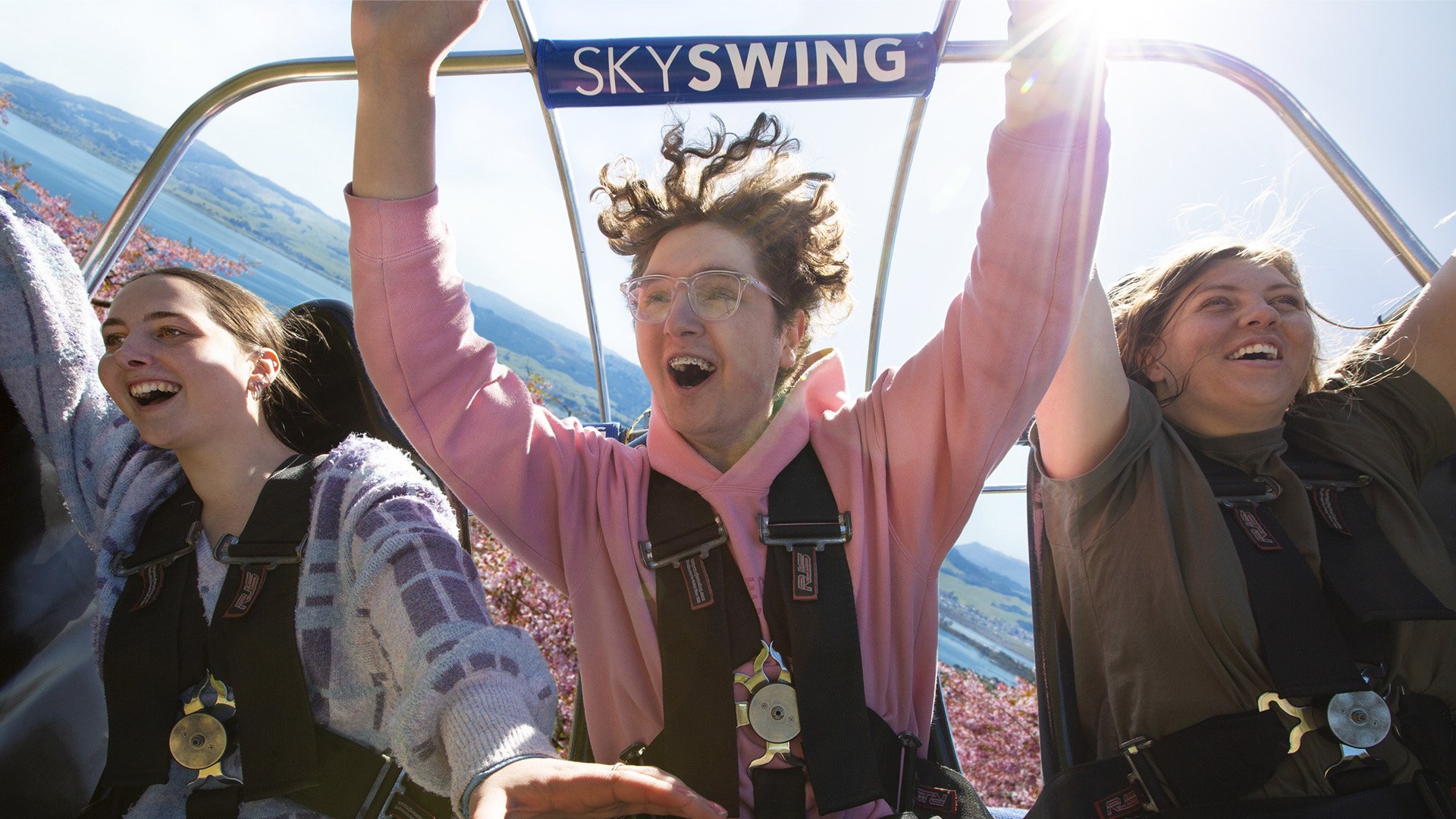
Video footage of your Skyswing experience is available to purchase on-site. Options include individual or group videos, which can be provided either on a USB or via phone transfer. Please speak with our team after your swing for more information.
Frequently Asked Questions:
If you prefer not to be included, please avoid areas where photos are taken. These locations are signposted, or you can speak to a PhotoPass team member for assistance.
You can access your photos in two ways:
QR or photo code: Scan your code at a kiosk or on your device to instantly retrieve your images.
Face search: Visit a Photo Kiosk, look into the camera, and the system will find your photos.
Once your photos appear, you can view and download them, or send them to yourself via email.
Photos and videos taken during your visit are processed using Amazon Rekognition, which analyses facial features to create a unique digital match.
At the end of your visit, you can access your photos by scanning your QR code (if you have one) or by using the face search feature at a Photo Kiosk. Simply look into the camera and your photos will be displayed.
Yes. Your data is stored on secure AWS servers. Staff do not have access to the facial recognition data created by Amazon Recognition.
We store the photos and videos taken during your visit, along with any associated photo codes.
Facial features are converted into a mathematical representation, which is used only to match and group your images.
Photo Matching uses facial recognition to automatically find and group photos of you taken during your visit. This makes it easy to view and download your photos without needing to search manually.
Your photos are processed and stored using Amazon Web Services (AWS), with data held in the US West data centre.
Ready to have some fun?
Life's Highlight Reel